Household Reach
Part of CTV attribution and incrementality
Reporting a CTV result when measurement coverage is partial
Show measured CTV outcomes beside eligible delivery, exclusions and unknowns without extending a partial finding to the whole buy.
Report the measurable part of a CTV campaign and show how it relates to total delivery. Do not project a conversion rate or lift estimate onto unmeasured inventory unless a justified method supports it. Missing measurement is not a failed impression, nor proof of the same outcome as measured delivery.
Define the boundary for each result
Start with the whole buy: campaign dates, Australian locations, publishers, device rule and delivered impressions. Then define the population behind each outcome. Attribution may cover only impressions eligible for a supported cross-device path and actions recorded in the chosen system. A sales experiment may cover only markets or retailers with usable outcome data. Those populations need separate descriptions.
Request counts that the method can actually supply, such as total delivered impressions, attribution-eligible impressions and measurable business events. If matched-exposure counts are available, state their unit and denominator. Do not assume every reported stage is a nested subset of the previous one: an action count and an impression count are different units, and partner reports can use different eligibility rules. Mark unavailable counts unknown.
For any platform report, request the actual inventory and event eligibility.
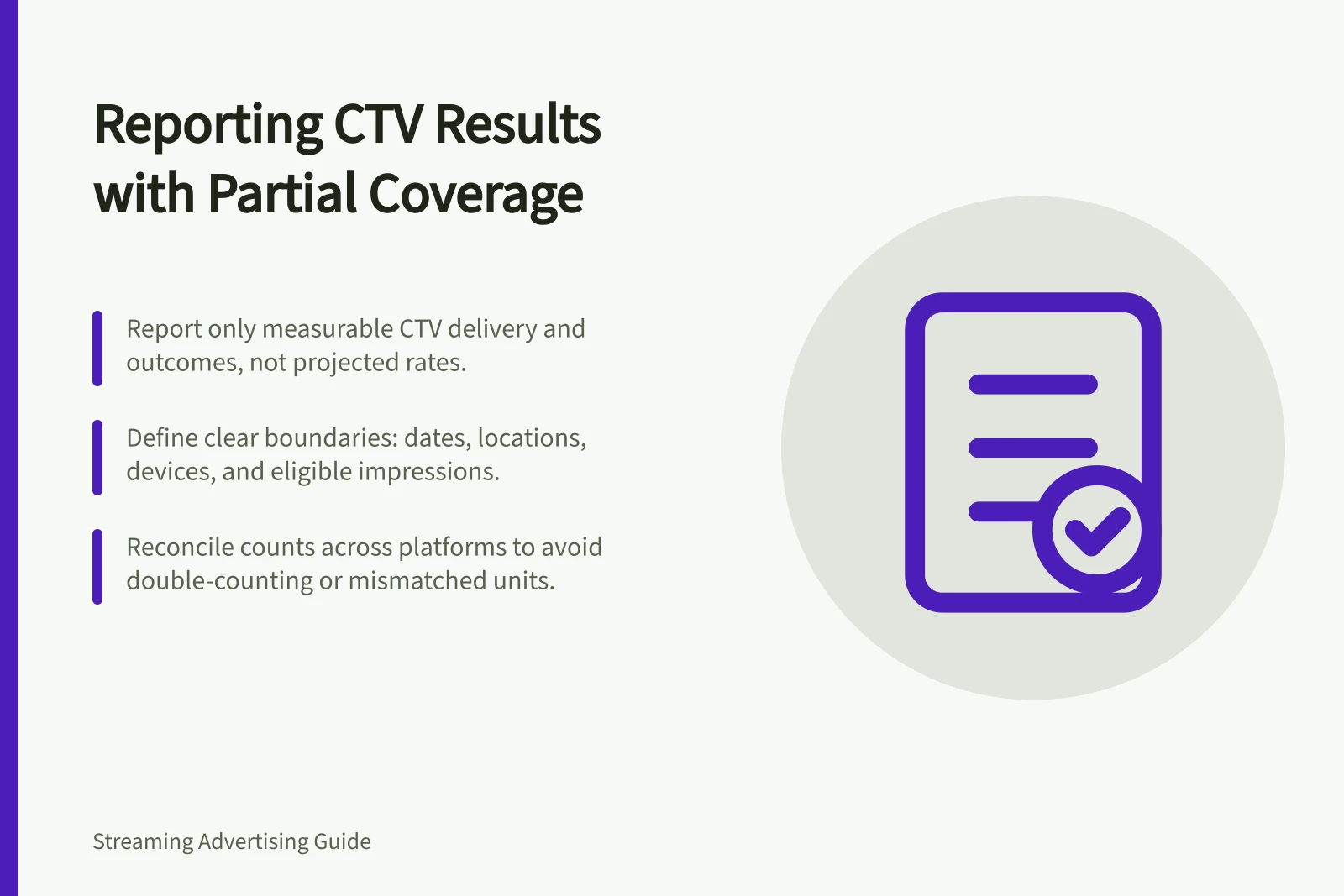
Best Practice Steps for Reporting Partial CTV Measurement
- Define the full campaign scopedates, locations (Australia), publishers and device rules
- Identify the population eligible for measurement (e.g., cross-device paths supported by platform)
- Report actual countsdelivered, eligible and measurable events — no assumptions
- Disclose exclusionsplatforms or data gaps with clear reasons
- Avoid projecting conversion rates to unmeasured inventory
Reconcile figures before interpreting them
Report line / What to state
- Total delivery
- Dates, included inventory and impression definition
- Attribution-eligible delivery
- Supported publishers, devices and exposure count, if available
- Measured outcome
- Count or estimate, event definition and covered population
- Excluded or unknown
- Inventory or outcomes outside the method, with reasons
- Method
- Match and window rules, or the experiment design, as relevant
Check whether delivery lines use the same dates and impression unit. If a video report mixes television, phone and computer delivery, isolate the TV-screen portion before calling it CTV. If two partners report attributed purchases, establish whether their event populations overlap before adding the counts. A sum can credit the same purchase twice.
Write the conclusion at the covered level
For example, if a campaign ran across several streaming services but the conversion method supported only selected services, the report could say that recorded actions were credited to eligible measured delivery under the stated rules. It should identify excluded services and avoid calling credited actions the campaign's total sales contribution. This is an illustration, not a campaign result.
A market experiment can have a stronger causal design while covering fewer locations. Report its effect estimate, uncertainty, tested markets and period separately from attribution. The two figures are not competing totals.
Put the coverage gap in the headline summary. Before deciding, request delivered impressions, eligible impressions and recorded outcome counts for the same period and population.