CTV Inventory
CTV supply quality
Connected-TV reach is useful only when the buyer can understand what inventory was bought and how it was measured. A delivery total alone does not establish the …
Connected-TV reach is useful only when the buyer can understand what inventory was bought and how it was measured. A delivery total alone does not establish the app, seller, device or opportunity to view.
Build a supply-quality review around the fields available in the actual buying path. Record what remains unknown.
Trace the route to the screen
Reporting availability is one supply-quality input.
| Question | Evidence to request | Limit |
|---|---|---|
| Which app carried the ad? | See the supporting guide on app and publisher delivery reports | Not covered here |
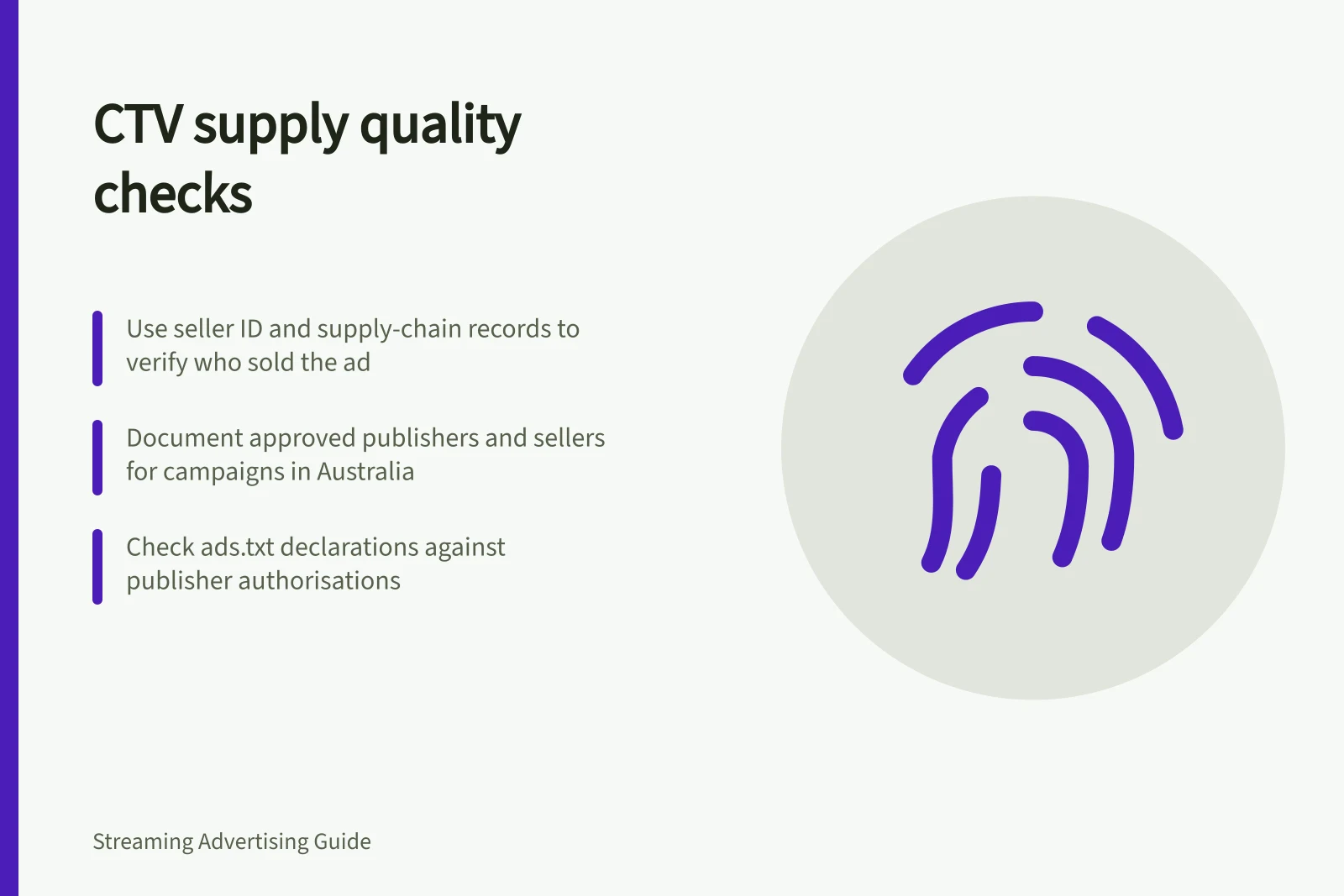
| Who sold it? | Seller ID, supply-chain record and authorisation | A valid seller does not validate each play |
| Was it a TV environment? | See the supporting guide on television-device checks | Not covered here |
| Was it measurable? | See the supporting guide on verification coverage | Not covered here |
Choose and qualify the buying route
IAB Australia’s discussion of the Australian market describes a supply mix that includes large premium broadcasters and BVOD inventory. Direct deals can package products and audiences to help buyers meet campaign requirements without the same exposure to open-market bidding environments.
A direct deal is a route to manage, not proof that every impression is valid.
Jordan King, Director of Audience and Automation at Nine, advises marketers to include only supply from premium Australian broadcasters with which they have established relationships when accessing CTV inventory.
Treat this as a qualification criterion: document which publishers and sellers are approved for the campaign. Confirm the buying arrangement matches that list before activation.
Keep the commercial route clear in the campaign plan: identify the publisher, the selling party and whether access is direct or through programmatic platforms. If the proposed route changes, check whether the publisher and seller still meet the campaign’s approved criteria, rather than relying on a familiar broadcaster or platform name alone.
Australian CTV Market Insights: Supply Mix and Premium Inventory
- Premium Broadcasters in Supply Mix
- Yes – including Nine, Seven, Ten, SBS
- BVOD Inventory Availability
- Yes – includes Foxtel Now, Stan, Netflix (via programmatic partnerships)
- Direct Deals Usage Rate
- High – preferred for audience targeting and brand safety
Validate seller declarations
App-ads.txt is designed for applications distributed through mobile app stores, connected television app stores and other application distribution channels. It gives buyers a way to check a publisher’s declared authorised sellers for an app. It is a supply-authorisation signal, not a certification of the quality of an individual impression.
IAB Tech Lab’s ads.txt aggregator provides subscribers with structured aggregate data files and regular updates on publishers’ approved ad sellers. Buyers can use those records to compare a proposed seller with the publisher’s declarations and to help identify fraudulent inventory sources or domain misrepresentation.
The ads.txt 1.1 update introduced OWNERDOMAIN and MANAGERDOMAIN values for publishers to declare. IAB Tech Lab says these values help make seller relationships more transparent through sellers.json.
Use the declarations as evidence about the stated relationship between parties, not as a substitute for checking that the proposed buying route is authorised.
When a seller cannot be reconciled with the publisher’s declared supply relationships, pause that route and ask the trading partner to explain the discrepancy. Record the resolution and the evidence used to approve the seller, so the decision can be applied consistently across the campaign.
Validating Seller Declarations Using App-ads.txt
- Access IAB Tech Lab’s ads.txt aggregator dataDownload structured aggregate files with updated publisher-approved seller records
- Compare proposed seller against publisher’s declared authorised sellersCheck for alignment using OWNERDOMAIN and MANAGERDOMAIN values in sellers.json
- Flag discrepanciesPause the buying route if no match is found
- Request explanation from trading partnerRequire justification for unauthorised seller claims
- Record resolution and evidenceDocument decision for consistent application across campaign
Investigate anomalies, not just averages
Treat completion-rate anomalies and verification coverage as separate checks, not substitutes for supply-quality evidence.
Define the inventory opportunity
Supply quality also depends on describing the opportunity clearly before bidding. IAB Tech Lab’s OpenRTB 2.6 podded-bidding approach lets media owners signal ad slots within a multi-ad break, so buyers can bid for a specific position and tailor their response to that pod.
For a deal involving ad pods, ask how the opportunity is represented in the bid request and what inventory the agreed terms cover. A clear description of the break and its slots makes it easier to compare the contracted supply with the intended purchase, rather than treating all video impressions as interchangeable.
IAB Tech Lab’s CTV guidance identifies standardised formats such as pause ads, menu ads, screensaver ads, overlay ads, in-scene insertion ads and squeeze-back ads. If a campaign includes one of these formats, specify it in the buying brief and confirm that the publisher’s offer is for that format, rather than assuming a standard in-stream placement.
CTV Ad Formats Supported by IAB Tech Lab Standards
- Pause AdsPlaced during content breaks; standardised via OpenRTB 2.6
- Menu AdsDisplayed on navigation screens of streaming apps
- Screensaver AdsShown when device is idle or in standby mode
- Overlay AdsSuperimposed over video content without interrupting playback
- In-Scene Insertion AdsIntegrated into the actual video scene (e.g., virtual billboards)
- Squeeze-Back AdsShort pre-roll or post-roll ads that appear after user interaction
In this guide
- Assessing verification coverage in streaming inventoryA campaign can report verification results while leaving most impressions unmeasured. Read the coverage denominator before interpreting viewability, invalid-traffic or device findings.