CTV Inventory
Part of CTV supply quality
Assessing verification coverage in streaming inventory
A campaign can report verification results while leaving most impressions unmeasured. Read the coverage denominator before interpreting viewability, invalid-traffic or device findings.
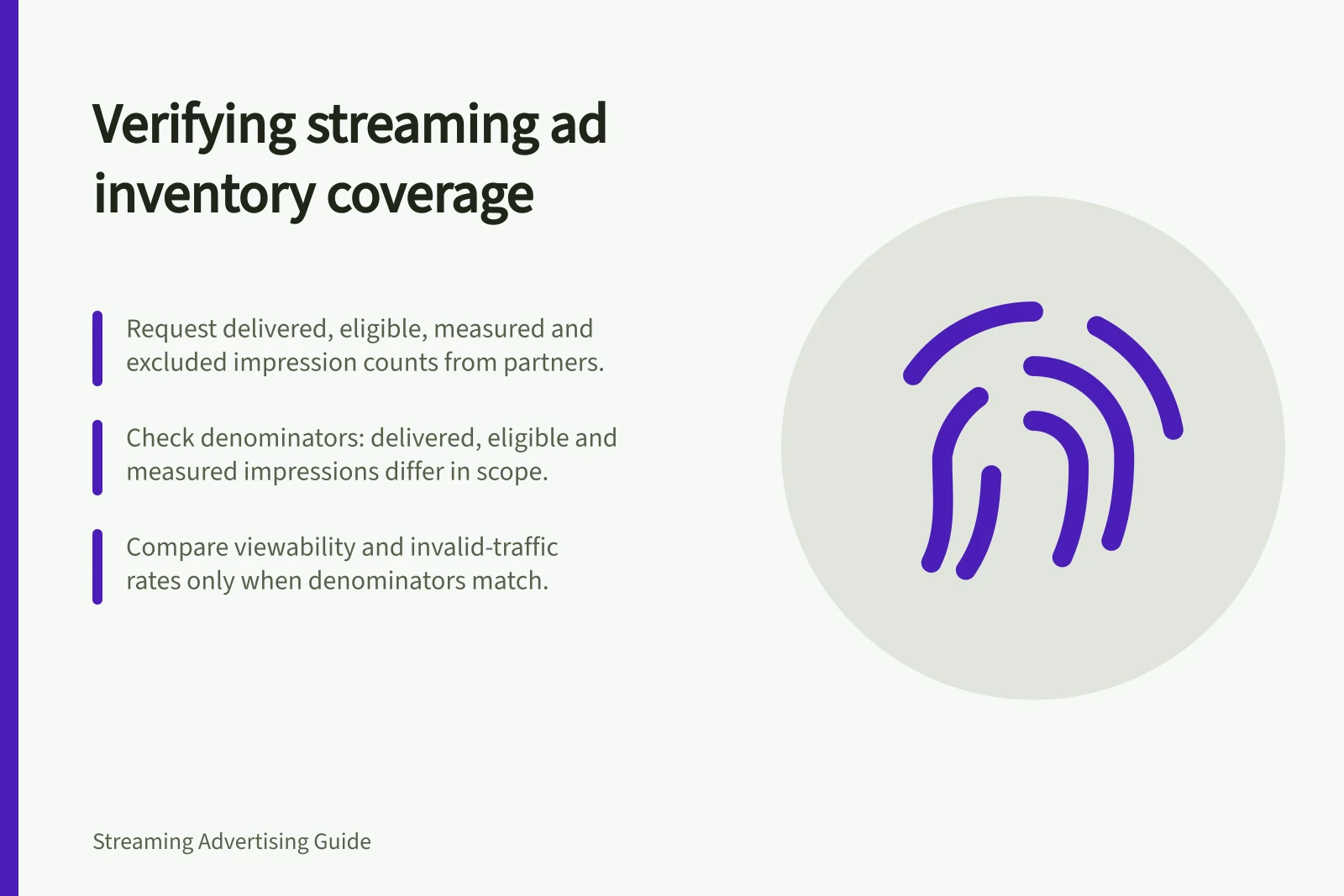
A verification result describes only impressions that produced usable measurement signals. Ask for delivered, eligible, measured and excluded impression counts before interpreting viewability, invalid-traffic or brand-suitability findings.
Request those counts from each relevant partner, broken out by app, platform and supply path. Ask which method and metric the counts cover, and why any impressions were excluded.
Read the denominator before comparing coverage rates. Delivered impressions are the broad total; eligible impressions are those that could use the chosen method; measured impressions are those that actually produced measurement. A rate based on eligible impressions answers a different question from one based on all delivered impressions.
Ask for viewability, invalid-traffic and brand-requirement coverage separately where relevant. Compare rates only when their denominators match, and do not project a low invalid-traffic rate in the measured subset onto unmeasured inventory.
For CTV, check whether the app has integrated the IAB Tech Lab Open Measurement SDK (OM SDK). It provides common code and libraries for measurement signals; integrated apps can send signals to the Open Measurement Interface Definition (OMID) API, where measurement providers can place tags to collect them.
OM SDK supports third-party verification of invalid traffic and brand requirements, and standardises measurement signals across mobile apps, web and connected TV. Its availability is not proof that every app or campaign impression is covered; ask whether the specific app has integrated it.
Check the ad-delivery implementation as well as the app. VAST 4.1 supports ad verification with Open Measurement; VAST describes expected video-player behaviour for ad responses, but format support alone does not give a measured-impression count.
For server-side ad insertion (SSAI) inventory, ask whether the measurement implementation passes verification signals to the provider. VAST 4.0 includes a mezzanine file for SSAI and separates media files from verification and interactive code; these features do not establish that impressions were measured.
If a high-spend segment has little coverage or exclusions remain unexplained, ask the app or platform and measurement provider to identify the gap and whether OM SDK integration or a supported VAST Open Measurement implementation is available. Keep the segment separate, seek an alternative method or set a buying limit until the gap is understood.
In price and quality decisions, do not treat measured and unmeasured inventory as interchangeable. State in the final report what was measured and what was not.
Verification Coverage Metrics: Understanding the Denominators
- Delivered Impressions
- Total impressions served
- Eligible Impressions
- Impressions capable of being measured by a given method
- Measured Impressions
- Impressions that produced usable measurement signals
- Excluded Impressions
- Impressions not included in measurement due to technical or policy reasons
Key Verification Coverage Checks for CTV Inventory
- Confirm OM SDK integration in the appCheck if the connected TV app has integrated the IAB Tech Lab Open Measurement SDK (OM SDK)
- Verify VAST 4.1 support with Open MeasurementEnsure ad delivery uses VAST 4.1 with Open Measurement capabilities
- Confirm signal pass-through for SSAI inventoryVerify that verification signals are passed to the measurement provider in server-side ad insertion (SSAI) setups
- Request breakdown by app, platform and supply pathObtain impression counts segmented by delivery environment
- Review exclusion reasonsAsk partners to explain why certain impressions were excluded from measurement
Critical Verification Metrics to Request
- Viewability Coverage Rate
- Measured / Eligible impressions
- Invalid Traffic Coverage Rate
- Measured / Eligible impressions
- Brand Suitability Coverage Rate
- Measured / Eligible impressions
- Unmeasured Impression Share
- Delivered – Measured impressions