CTV Inventory
Part of CTV inventory and buying options
Checking what a CTV inventory package actually includes
Check a CTV package’s named apps, eligible screens, commitments, exclusions, substitutions and reporting before booking.
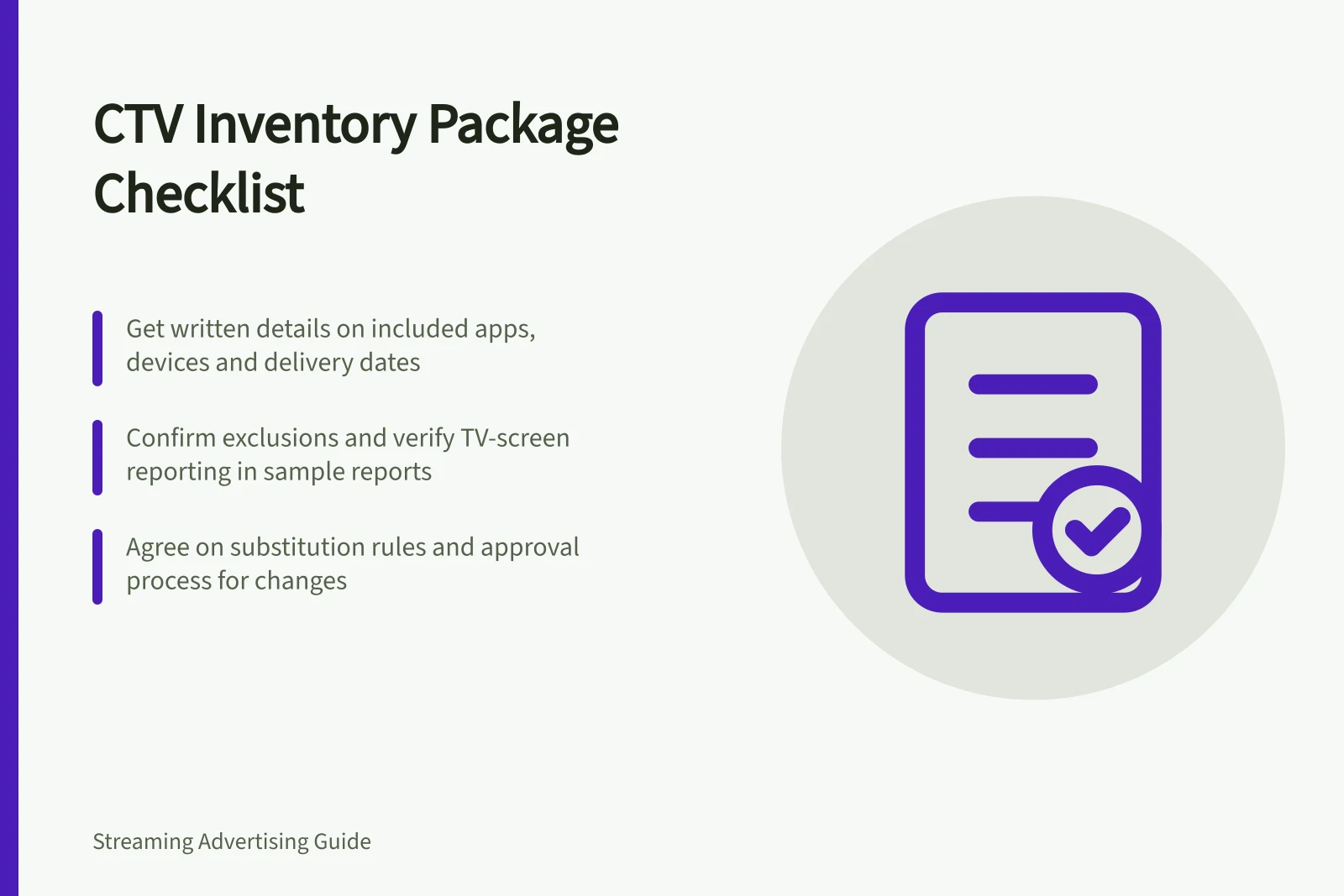
Before accepting a CTV package, get its included inventory, eligible impressions and substitution rules in writing. Labels such as 'premium streaming', 'BVOD' and 'TV screens' do not identify every app, content group or device that can receive an ad. A usable package has boundaries the seller can explain and report against.
Pre-booking CTV inventory review process
- Request written details of included inventory
- Verify labels like 'premium streaming' or 'BVOD' are backed by specific inclusions
- Obtain inclusion schedule with clear boundaries
- Check deal ID and booking terms together
- Review exclusions and reporting capabilities
- Attach inclusion schedule and substitution rules to booking
- Conduct seller-authenticity and fraud checks separately
Get an inclusion schedule
For each inventory group, record the app or service, selling party, buying path, live or on-demand status, placement, eligible TV devices, Australian locations and campaign dates. If a named programme or event matters, establish whether it is guaranteed, forecast or only a possible source of impressions.
Separate inventory into included, excluded and possible with approval. For a pooled package, establish which apps are required, which can rotate and whether the seller can add inventory during the campaign. A logo or example app in a sales deck is not a delivery commitment. Agree how a material change will be approved and recorded.
Pre-booking CTV inventory package verification checklist
- Record app or service name
- Identify selling party
- Confirm buying path
- Note live or on-demand status
- Specify placement (e.g., pre-roll, mid-roll)
- List eligible TV devices
- Define Australian locations
- Set campaign dates
- Clarify programme or event status (guaranteed/forecast/possible)
- Categorise inventoryincluded, excluded, possible with approval
- For pooled packagesconfirm required vs. rotatable apps
- Agree on process for adding inventory during campaign
- Document approval and recording method for material changes
Check the deal and booking terms together
A programmatic deal ID identifies a transaction route, but its label does not describe the whole package. Display & Video 360, for example, can record an inventory source's product type, delivery commitment, seller, dates, rate details and creative requirements.
Other platforms may expose different fields. In every case, the proposal should state what the package covers and what the buyer can verify in reports.
For guaranteed delivery, obtain the quantity, dates, eligible inventory and process for underdelivery from the actual agreement. For non-guaranteed access, request a forecast with its audience, location and device assumptions. A forecast is an estimate, not a reservation.
The app and the party selling its impressions may differ. Programmatic supply-chain records can identify direct sellers and intermediaries, but those records alone do not prove TV-screen delivery or a programme placement. Establish whom the seller represents and what app-level evidence will be available.
Guaranteed vs non-guaranteed CTV delivery commitments
- Delivery commitment
- Underdelivery process
- Reporting accuracy
- Audience, location and device assumptions
- Creative requirements
Check exclusions and reporting
Ask whether mobile and desktop delivery are excluded, how unclassified devices are handled, and whether live streams or particular content groups are included. Confirm that the buying path can apply each exclusion required by the brief. If the campaign needs TV-screen delivery, seek a separate TV-screen line or a report that makes other-device delivery visible.
Before booking, request a sample report or field list. It should cover the agreed inventory groups, dates, delivered impressions and booking or deal reference, plus TV-device classification where available. Ask whether each named app can be reported separately. If programme-level or device-level detail is unavailable, record that limit in the decision.
Attach the agreed inclusion schedule and substitution rule to the booking. After delivery, the report can then be compared with the promised groups; seller-authenticity and fraud checks are separate from this pre-booking inventory review.
Key CTV inventory reporting expectations
- Required report fields
- TV-device classification availability
- App-level reporting capability
- Mobile/desktop exclusion confirmation
- Unclassified device handling
- Live stream inclusion
- Content group eligibility
- Buying path compliance