CTV Inventory
CTV brand suitability
Set suitable CTV content boundaries, check the controls available for a booking, and report what delivery could actually be assessed.
CTV brand suitability asks whether the streaming content around an ad fits a particular advertiser. Approving a publisher or app does not approve every programme it carries.
Set the boundary before booking, confirm what the buying path can control, and report how much delivery could be assessed against that boundary.
Define suitable content
Start with the brand's concern — for example, graphic violence, distressing news, sexual content or strong language. For each concern, decide whether to exclude it, allow it in specified contexts or review it case by case. A factual programme about a difficult subject may warrant a different decision from a graphic depiction of the same subject.
Record the level of approval: publisher, app, channel, programme or episode. State how live coverage, schedule changes and content without a usable category will be treated. For an Australian campaign, check that category wording reflects the brand's view of local news and issues.
Set the policy against brand risk
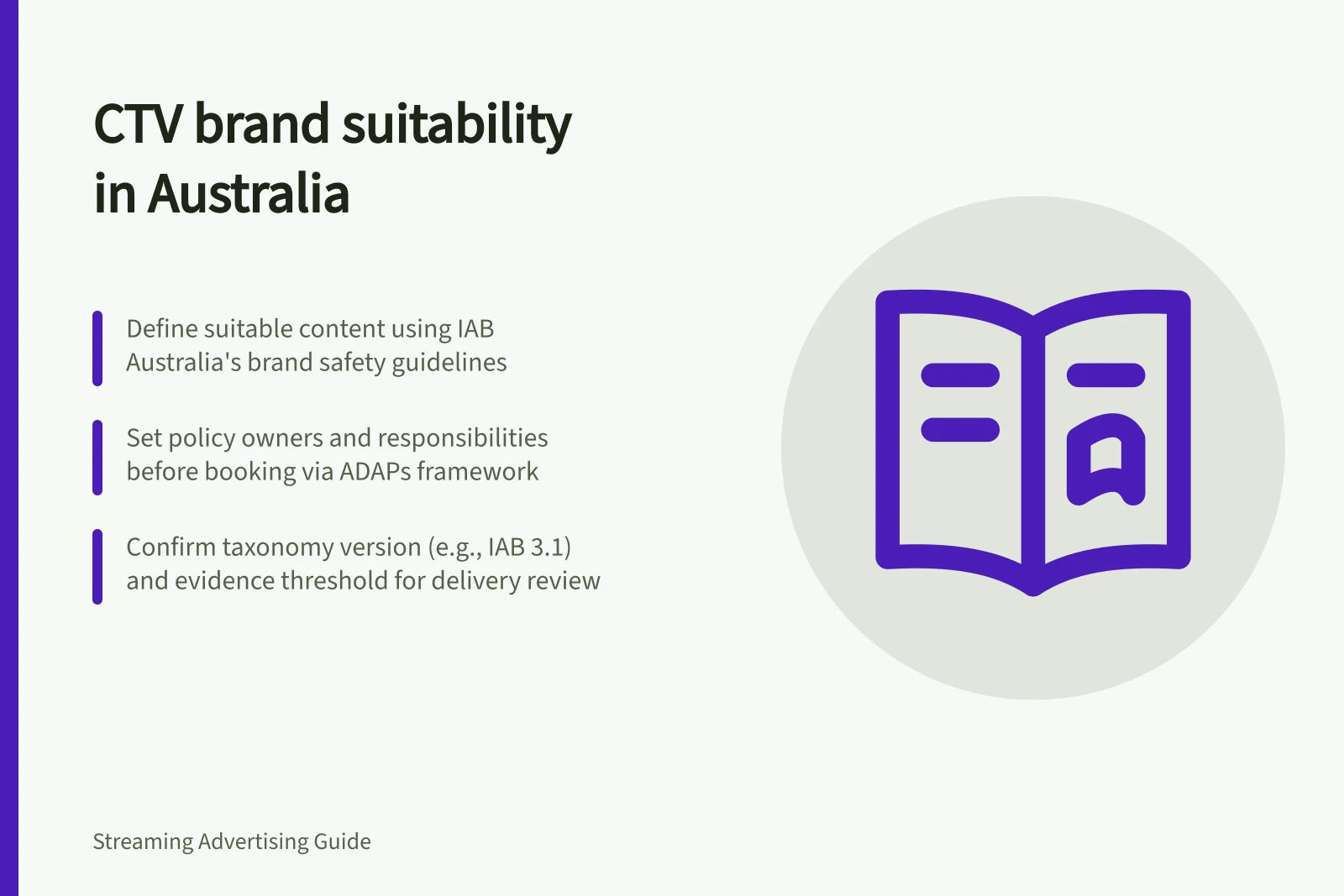
IAB Australia's guidance defines brand safety as avoiding exposure to environments or contexts that may damage or harm a brand. Examples it gives include content promoting religious extremism, child endangerment, pornography, drugs or extreme violence. Use the brand's own requirements and appetite for risk to decide which concerns become exclusions and which need contextual review.
Record why each major concern matters to the brand and who can approve an exception. This gives the campaign team a basis for applying the policy consistently when a programme label alone does not settle the question.
Assign policy owners
The Australian Digital Advertising Practices (ADAPs), updated in 2020 with the MFA and AANA, were developed to support shared responsibility across advertisers, agencies, publishers and digital platforms. Carry that principle into the CTV brief: name who approves the policy, who confirms the buying settings and who provides the placement information needed for review.
Agree those responsibilities before the booking is activated. A policy approved by the advertiser but not understood by the agency or seller may not be applied as intended. Keep the agreed wording available to the people setting up and checking the campaign, and record any approved change against its effective date.
Key Elements of CTV Brand Safety Compliance
- Policy Owner
- Advertiser or brand (responsible for risk appetite and exclusions)
- Agency Role
- Translates policy into buy settings; confirms alignment with seller
- Seller Responsibility
- Provides content labels, confirms enforcement capability, reports placement data
- Regulatory Framework
- Australian Digital Advertising Practices (ADAPs), MFA & AANA guidelines
Check the buying path
Ask the seller what content information is available before an ad decision, which rules it can apply, and what placement detail it can provide afterwards. Industry content taxonomies offer shared terms, including genre categories.
Confirm the effective settings for the actual deal or line item rather than relying on advertiser-level defaults. Ask whether any deal or line-item setup changes how the approved suitability policy is applied, and record the answer with the campaign approval.
Ask the seller to identify the taxonomy or category mapping used in the campaign and whether the terminology is consistent across the platforms involved. IAB Tech Lab's taxonomy has had multiple versions, and its releases include updates for areas such as Video/CTV. A version name helps define what the labels mean.
Check the language behind content labels
The IAB Tech Lab Content Taxonomy is intended as a common language for describing content, including for contextual targeting and brand safety. Its 3.0 release in June 2022 included updates to support areas such as News and Video/CTV. Ask which taxonomy version underlies a seller's or platform's categories, rather than assuming that identically named labels have the same coverage.
The 3.1 version, listed as released in December 2024, updates the genre category to include Thriller. When a taxonomy or mapping changes, check whether the campaign's exclusions and permitted contexts still express the brand's approved boundary; retain the rule version used for the booking.
IAB Tech Lab Content Taxonomy Versions: Key Updates
- 3.0Version (June 2022) — Updated support for News and Video/CTV genres; introduced refined category structure.
- 3.1Version (December 2024) — Added 'Thriller' as a genre category; updated mappings for streaming content contexts.
Carry the policy into the booking
IAB Australia recommends that brands demand adherence to their Brand Safety & Suitability Framework. Translate the approved policy into booking instructions that the seller can confirm, including the categories or contexts in scope and the treatment of any agreed exceptions. Do not assume that a framework held by the advertiser will automatically become a control on a deal or line item.
Before activation, ask the seller to confirm which of those instructions apply to the booked inventory and which cannot be enforced through that buying path. Keep the answer with the campaign approval. If a requested control is unavailable, decide whether to accept the stated limitation, change the booking or decline it before delivery begins.
Decide how to handle gaps
If programme information is missing, choose an explicit response: restrict delivery to reviewed inventory, accept a broader package with stated limits, or decline it. Agree who investigates a disputed placement and what may be paused while it is checked. Any credit or replacement delivery depends on the booking terms.
After the campaign, compare delivery with the approved scope. Record disputed placements and changes to the rules with their effective dates.
Set an evidence threshold for review
Agree what evidence is sufficient to call delivery consistent with the policy. For example, a programme-level label may support a different conclusion from an app-level label, while an impression with no usable content information may not support a content-level assessment. Record the level of evidence the seller can supply and avoid treating missing detail as proof that a placement met the policy.
Use the same threshold when reviewing delivery across partners. The IAB taxonomy can provide shared category language, but a shared label is not itself confirmation that an individual impression was reliably classified. Keep conclusions proportionate to the detail available and distinguish assessed delivery from delivery that could not be checked at the required level.
Pros and Cons of Using Platform-Level Content Labels
- ProsFast classification; scalable across large inventories; supports automated targeting.
- ConsMay not reflect context (e.g. factual news vs. dramatised violence); inconsistent across platforms; limited granularity for live or untagged content.
Review the policy as the campaign evolves
When a seller changes the available categories, a taxonomy mapping is updated or the campaign's approved boundary changes, check whether existing settings still match the brief. Note the change, its approver and when it takes effect so that later review uses the applicable rule.
After delivery, use any placement questions or category gaps to improve the next brief: clarify ambiguous terms, refine the evidence threshold or change what the seller must confirm before booking.
In this guide
- Reviewing programme contexts before bookingCheck the programme information behind a CTV package, record approval boundaries and confirm controls before booking.
- Handling a placement outside the approved environmentInvestigate a suspected CTV suitability mismatch, contain affected delivery and document the evidence and correction.
- Recording limitations in a streaming suitability reportShow assessed and unresolved CTV delivery separately, identify the content signal used and qualify the suitability result.