CTV Inventory
Part of CTV brand suitability
Handling a placement outside the approved environment
Investigate a suspected CTV suitability mismatch, contain affected delivery and document the evidence and correction.
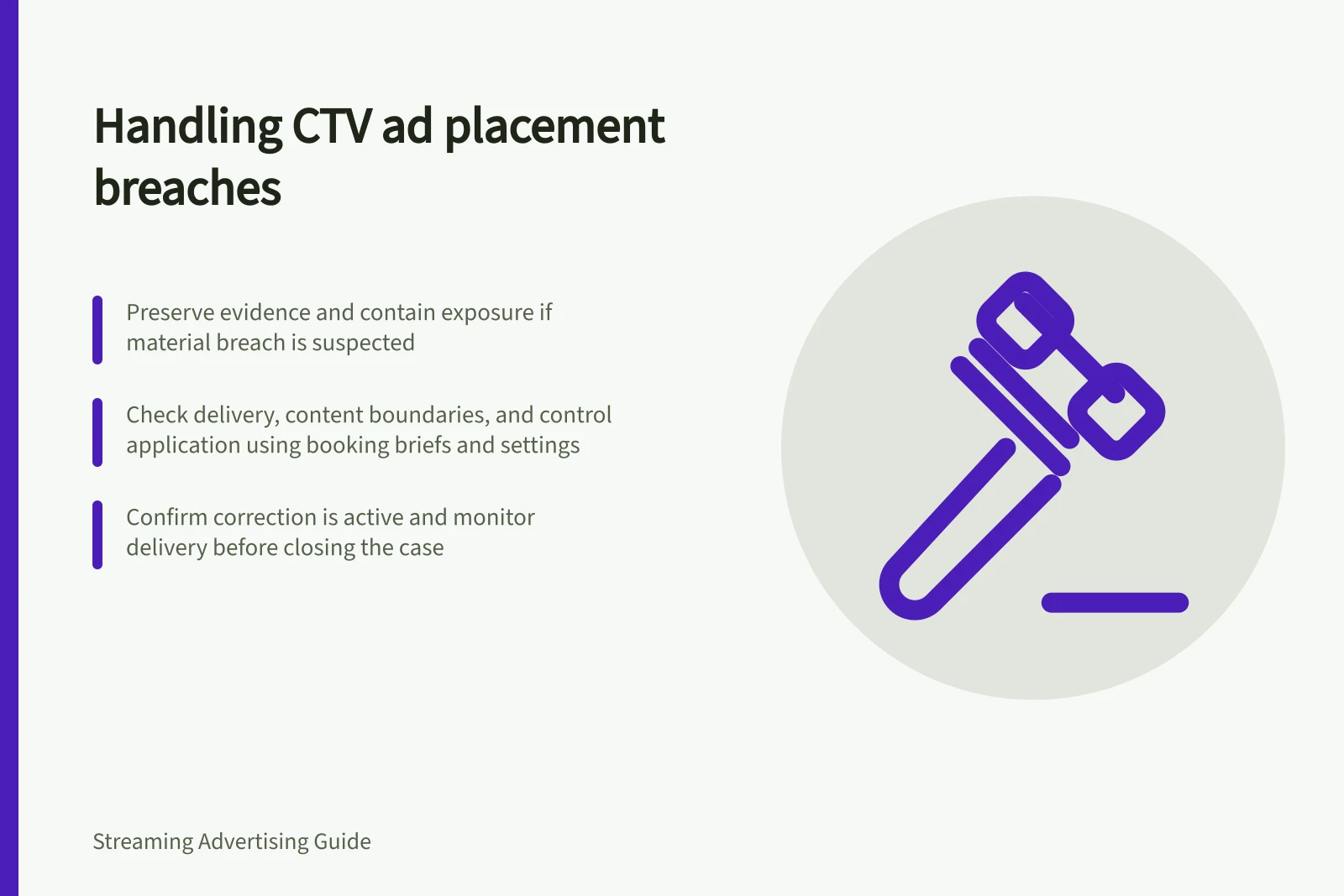
When a CTV ad is reported outside its approved environment, first preserve the evidence, then contain exposure where warranted, investigate the placement and close the case with a confirmed correction. An unexpected app name or screenshot warrants investigation; it does not establish the affected impression count or cause.
Establish what happened
Record when the concern was found, the time zone, creative, app or publisher, programme if known, deal or line item, and the source of the alert. Keep the original report, booking brief, exclusions and settings that applied at the time of delivery.
Check separately whether the ad was delivered, whether the surrounding content breached the agreed boundary, and whether the agreed control applied to this buying path. An app name alone cannot establish programme context; if that context is unavailable, mark it unresolved.
For a Google Display & Video 360 buy, consult its Brand suitability and App, channel, and website targeting guidance when checking the controls in effect. Compare the placement with the booking brief, exclusions and settings that applied when it ran.
Contain and investigate
For a material suspected breach, consider pausing the affected deal, app or line item while the seller investigates. Record the action and its effective time.
Ask the seller for the programme or schedule information available at delivery, the classification used, and whether other placements share the same conditions. Request a dated account of affected inventory and impressions, including how the count was produced.
Check the configuration as well as the content classification. Review the actual deal and line-item settings against the controls that applied at delivery; do not infer the cause without evidence.
A changed setting may take time to affect bidding. Record when the supplier confirms it became effective.
Key actions when investigating a CTV suitability mismatch
- Record discovery detailsInclude date, time zone, creative, app/publisher, deal/line item, and alert source.
- Verify delivery and controlsCheck if ad was delivered, content breached boundaries, and controls applied.
- Request programme context from sellerAsk for classification, schedule info, and shared conditions across placements.
- Review actual settings at deliveryCompare live configuration with booking brief and exclusions in effect.
Close the case
Separate confirmed mismatches from placements whose context could not be verified. Agree a prospective correction, such as excluding a programme or app, changing the deal settings or narrowing approved inventory.
Confirm the correction is active and monitor subsequent delivery before treating the issue as closed. Include the outcome, evidence and remaining uncertainty in the campaign record.
Assess any credit or replacement delivery under the booking terms.