CTV Inventory
Part of CTV brand suitability
Reviewing programme contexts before booking
Check the programme information behind a CTV package, record approval boundaries and confirm controls before booking.
Before booking CTV inventory, establish which programmes or programme groups the package may contain. Compare that detail with the brand’s suitability brief, then confirm the approved boundary and applicable controls on the deal.
Identify what is being offered
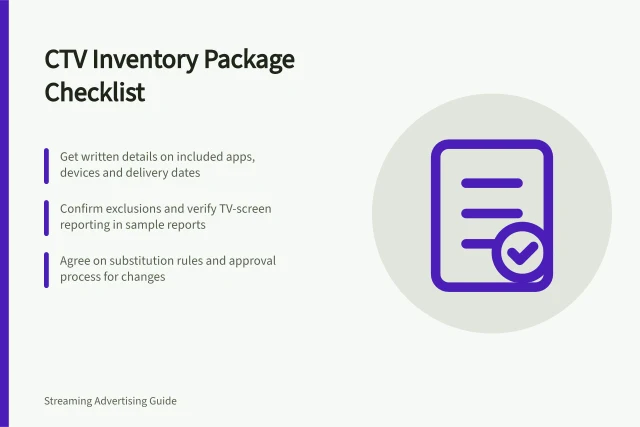
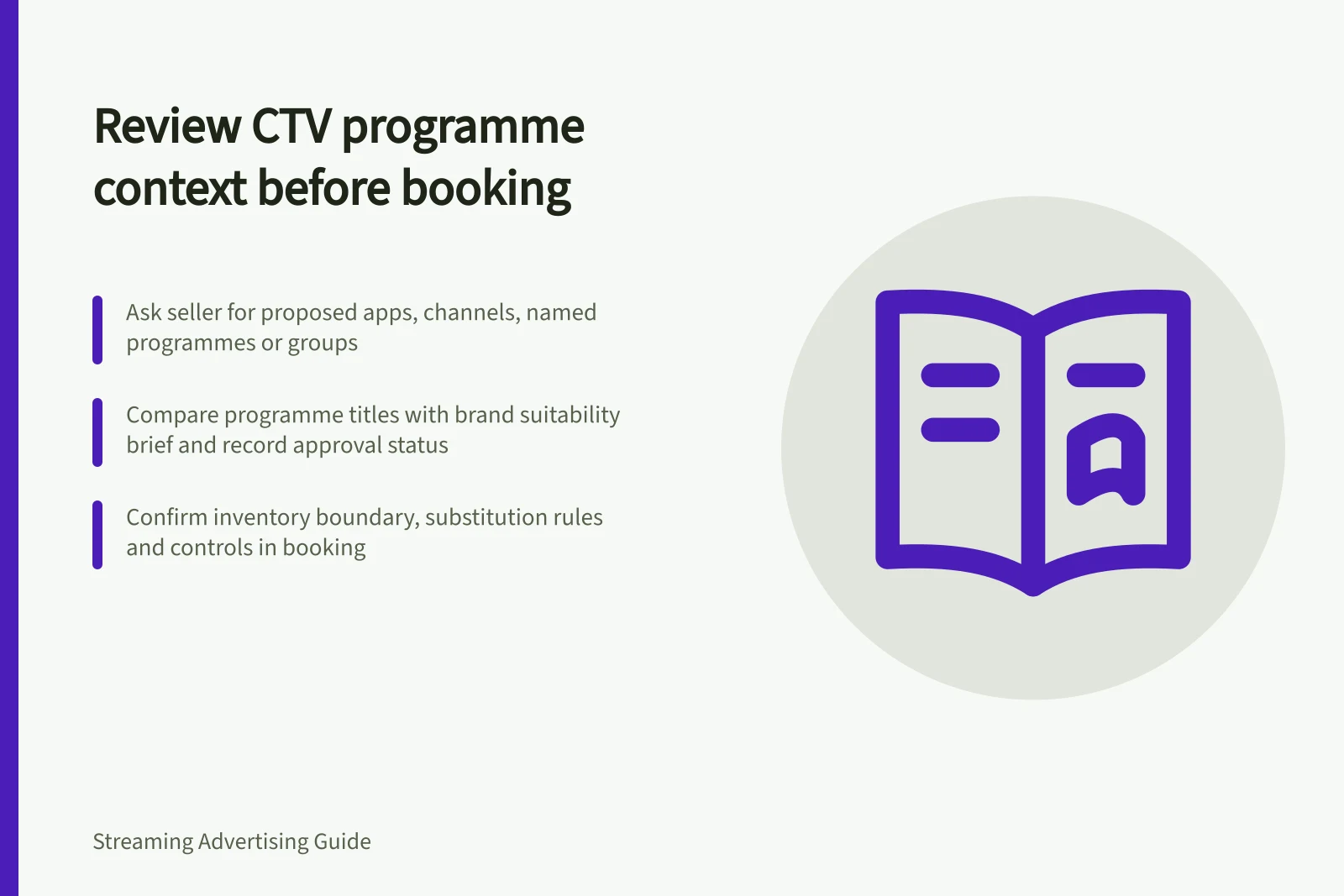
Ask the seller for the proposed apps or services, channels, named programmes or programme groups, genre mix and any rating label supplied. Ask how much inventory cannot be identified at programme level. Establish whether the schedule is fixed, indicative or drawn from a changing catalogue.
IAB Australia identifies content signals as an area of CTV quality management and points to related IAB Tech Lab updates. Ask which programme-level signals the seller can pass through this buying path and which are visible before booking. Do not assume a signal discussed in industry guidance is present in the proposed package or its placement report.
Ask whether genre and rating are attached to a programme, an app or service, or only a broad package description. Request a sample of the available fields if the seller can provide one; a genre label alone may not settle whether a particular programme fits the brief.
For live streams, ask what the seller knows about the event and surrounding coverage before an ad is served.
Key CTV Quality Signals from IAB Australia & IAB Tech Lab
- Content Signals Supported
- Genre, rating, programme name, app/service
- Programme-Level Visibility
- Not guaranteed – verify with seller before booking
- Live Stream Context
- Seller should provide event details pre-ad serve
- Platform Controls ≠ Content Suitability
- Brand suitability settings in DV360 are not a guarantee of context fit
Review the useful detail
Compare named programmes with the written brief. Consider subject, tone and likely ad breaks; a broad label such as “news” or “documentary” may leave the relevant context unresolved. For each title, record the programme name, whether it is approved, excluded or uncertain, and the reason tied to the brief.
A sample cannot approve an entire changing catalogue. Record the schedule version and date, and whether approval covers repeats or new episodes. Name who can authorise substitutions; if the schedule is indicative, state how later additions will be handled before booking.
Treat a fixed schedule as the basis for title-by-title review. An indicative schedule leaves later additions unresolved until the seller confirms how they will be handled.
Confirm the booking decision
Put the inventory boundary in the booking confirmation: named inventory, approved and excluded programmes, schedule version, substitution handling and applicable controls. Ask the seller to state explicitly if the commitment is at publisher level rather than programme level.
Google Display & Video 360 has a Brand suitability help page. If it is the buying platform, check Brand suitability controls and confirm which apply to the deal or line item. A platform control is not a finding that the content itself is suitable.
If programme detail is unavailable, choose explicitly: accept a publisher-level commitment with that limit recorded, narrow the buy to named inventory, or decline the package. Keep any later placement review against the same approval boundary.