Media Planning
Part of CTV and broader media planning
Coordinating streaming messages with other campaign channels
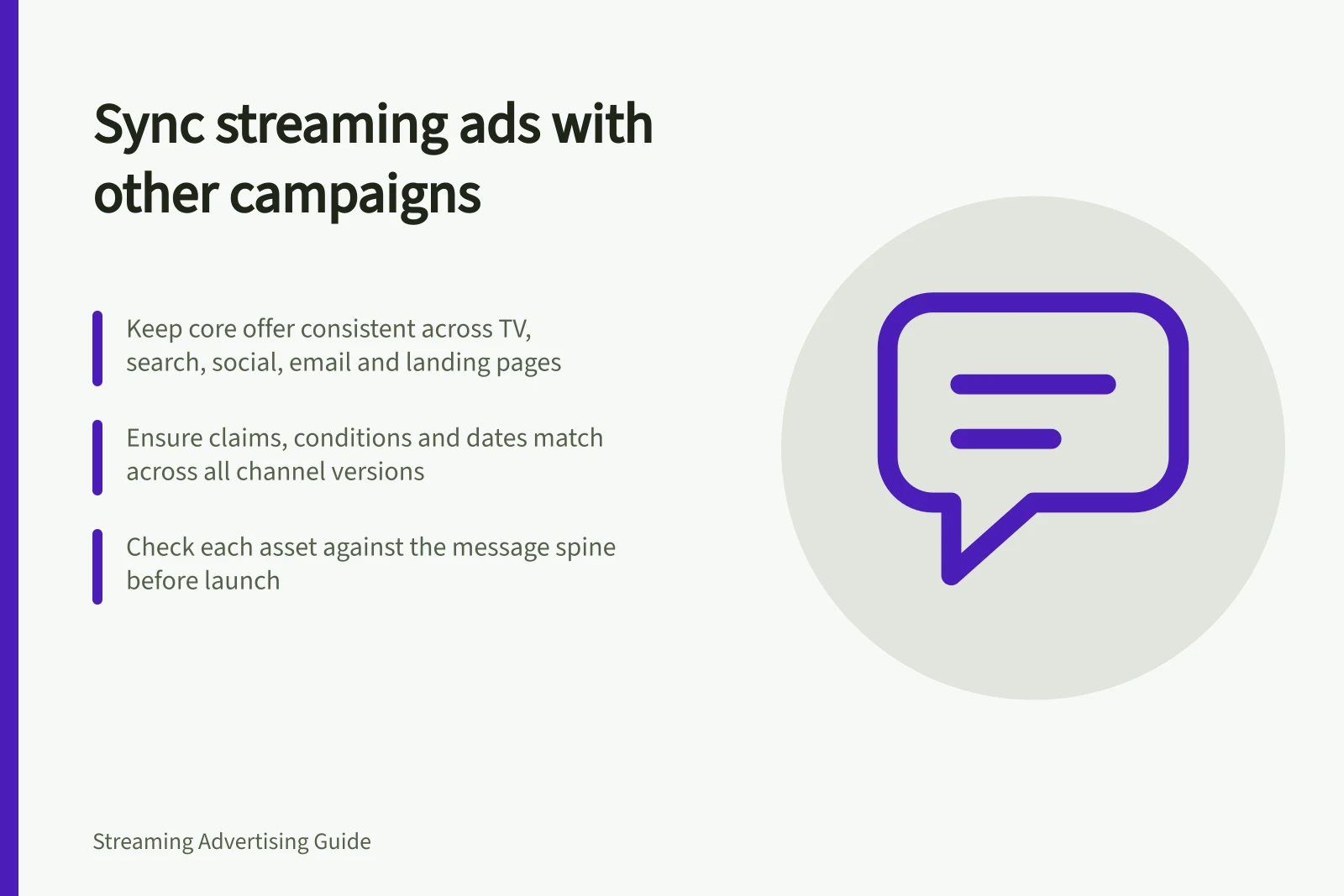
Keep a streaming campaign’s promise, timing and next step consistent across TV, search, social, email and the destination.
Keep the same core promise across streaming TV, search, social, email and the destination, with each channel carrying a useful part of the explanation. Viewers should recognise the product and offer wherever they continue. Edits need not match, but claims, conditions and dates must agree.
Write a message spine
Record the product, main benefit, intended audience, important conditions and next step before making channel versions. Use that short record to review each asset and destination.
For a hypothetical homewares campaign, a streaming edit might show how a modular sofa changes shape. Search copy could help people find sizes, and the landing page could compare configurations and delivery options. This is an illustrative handoff, not a tested performance sequence.
| Channel | Message question | Handoff to check |
|---|---|---|
| Streaming TV | What should someone understand after one viewing? | Will they recognise the same offer later? |
| Search or social | What question might someone bring to this screen? | Does the wording match the promoted product? |
| Email or owned media | What detail or reminder is useful to eligible recipients? | Are the terms and dates current? |
| Destination | What task did the ad promise? | Can the visitor complete it? |
These are choices for the brief, not fixed properties of the channels.
Plan timing without assuming exposure order
Set dates for creative versions, offers and landing pages. If a later message depends on an earlier one, check whether the buying and measurement paths can control or observe that order.
Running two channels at the same time does not show that an individual saw them in sequence. Each version should still make sense as a first contact.
Name the owner who updates each asset when a price, availability condition or campaign date changes. Review the overall impression of the ad and destination.
The ACCC can require businesses to back up claims about their products or services.
Check the handoff before launch
Compare the finished streaming edit with the current copy in other booked channels and the destination. Check product names, eligibility, dates and the action promised. Follow any address, search phrase or code the actual placement displays, and record problems against the affected version and owner.
After launch, report delivery by version separately from visits, enquiries or sales. A later action may follow several channel contacts.
Credit assigned by a dashboard depends on its stated method; it does not establish which message caused the action. The coordination review asks whether the campaign presented a coherent path.